Editor Markdown Gratis
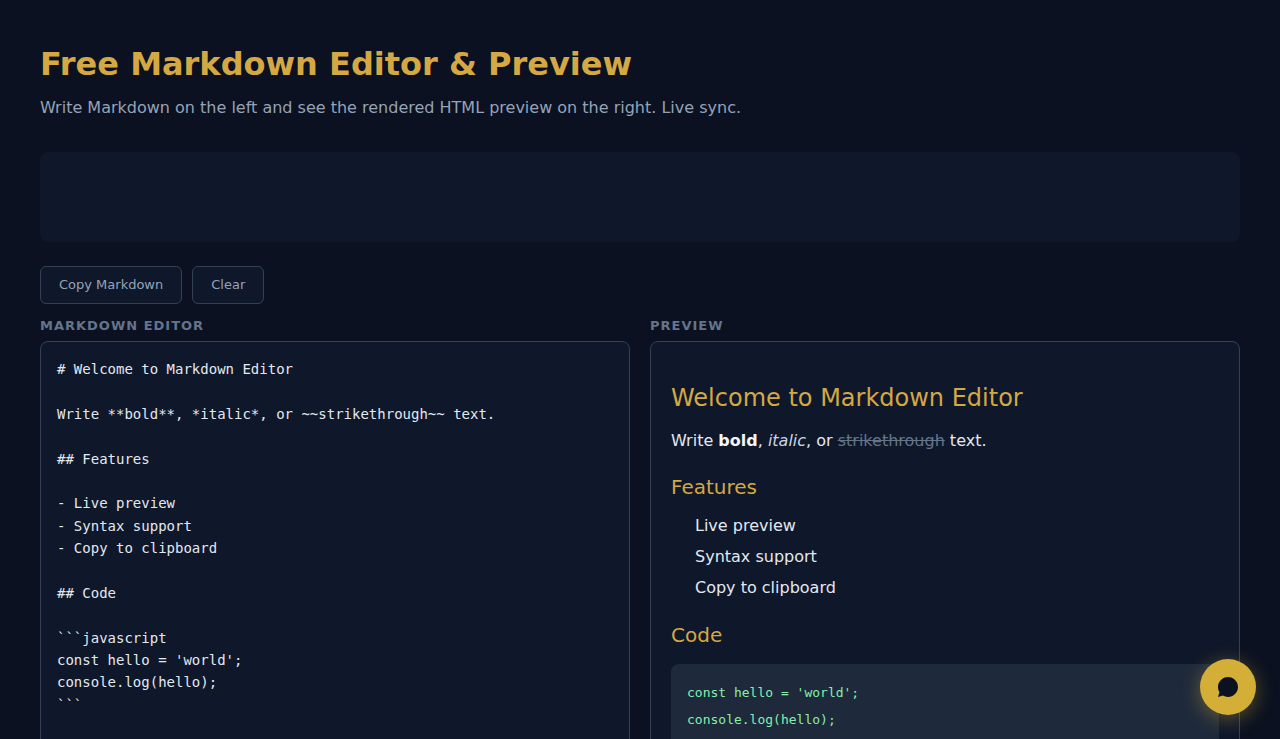
Escreva Markdown a esquerda e veja a previa HTML a direita. Sincronizacao ao vivo.
Editor Markdown
Previa
Como Funciona
Escreva ou cole Markdown no editor e veja uma pré-visualização HTML em direto lado a lado. Suporta títulos, negrito, itálico, ligações, imagens, blocos de código, tabelas, citações e listas. Copie o HTML gerado ou use a pré-visualização para verificar a formatação.
Quando Usar
- Ficheiros README — escreva e pré-visualize a documentação README do GitHub com a formatação correta antes de fazer commit.
- Rascunhos de blogue — escreva artigos em Markdown e pré-visualize como ficarão convertidos em HTML.
- Documentação técnica — escreva documentos com blocos de código, tabelas e listas aninhadas e verifique o resultado de imediato.
Perguntas Frequentes
Que variante de Markdown é suportada?
A ferramenta suporta a sintaxe CommonMark padrão mais as extensões do GitHub-Flavored Markdown, incluindo tabelas, texto riscado e blocos de código delimitados.
Posso exportar o HTML?
O HTML renderizado é visível no painel de pré-visualização. Use as ferramentas de programador do navegador ou copie o código-fonte para extrair o resultado HTML.
Suporta realce de sintaxe nos blocos de código?
Os blocos de código são apresentados com tipo de letra monoespaçado e estilo de fundo. O realce de sintaxe específico de cada linguagem depende do analisador de Markdown utilizado.
Toda a renderizacao ocorre no navegador. Nenhum conteudo e enviado.
SCALA Score — Analise financeira gratuita para 30M+ empresas
Estas ferramentas são grátis para sempre. A SARA vai além.
A SARA é a sua agente AI no WhatsApp: responde a clientes, faz reservas e follow-up — 24/7, automaticamente. Experimente grátis por 14 dias.
Comece o teste grátis de 14 dias →