Editor Markdown Gratis
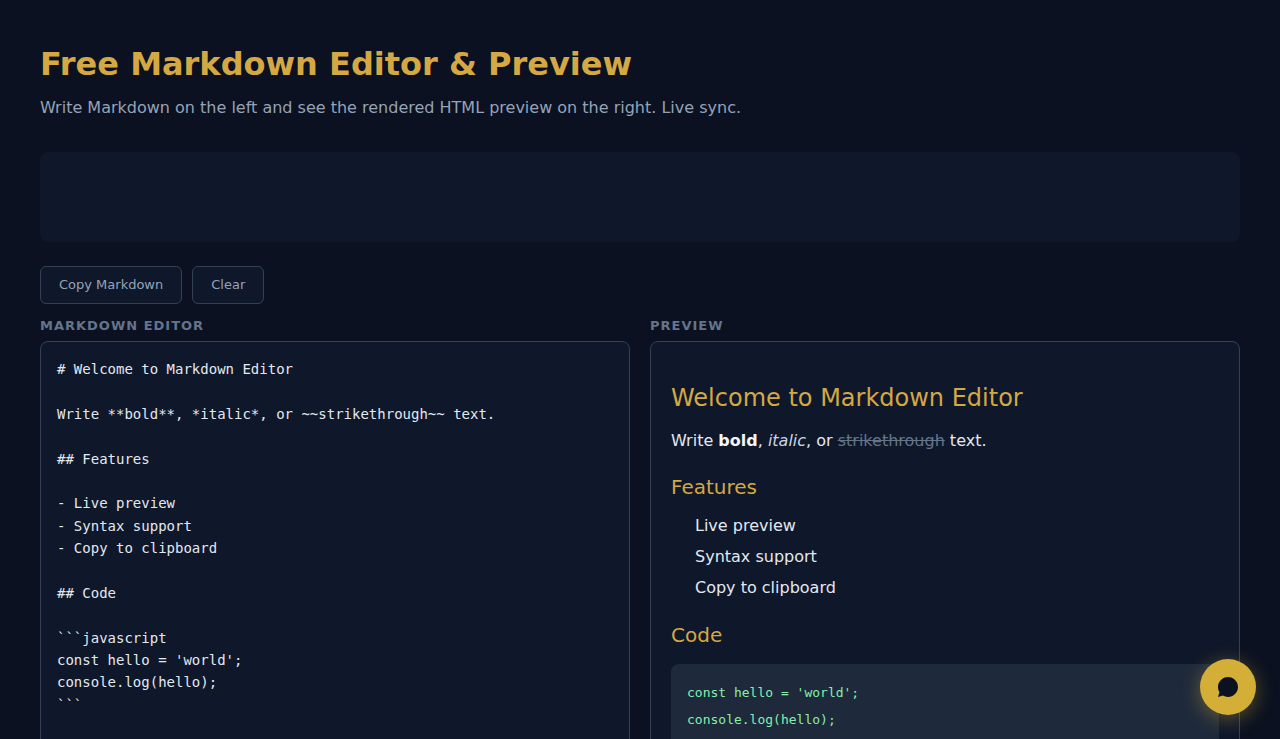
Scrivi Markdown a sinistra e vedi l'anteprima HTML a destra. Sincronizzazione live.
Editor Markdown
Anteprima
Come Funziona
Digita o incolla Markdown nell’editor e vedi un’anteprima HTML dal vivo affiancata. Supporta titoli, grassetto, corsivo, link, immagini, blocchi di codice, tabelle, citazioni ed elenchi. Copia l’HTML generato o usa l’anteprima per controllare la formattazione.
Quando Usarlo
- File README — scrivi e visualizza in anteprima la documentazione README di GitHub con la formattazione corretta prima del commit.
- Bozze del blog — scrivi articoli in Markdown e visualizza come appariranno una volta convertiti in HTML.
- Documentazione tecnica — scrivi documenti con blocchi di codice, tabelle ed elenchi annidati e verifica subito il risultato.
Domande Frequenti
Quale variante di Markdown è supportata?
Lo strumento supporta la sintassi CommonMark standard più le estensioni GitHub-Flavored Markdown, tra cui tabelle, testo barrato e blocchi di codice delimitati.
Posso esportare l’HTML?
L’HTML renderizzato è visibile nel riquadro di anteprima. Usa gli strumenti per sviluppatori del browser o copia il sorgente per estrarre l’output HTML.
Supporta l’evidenziazione della sintassi nei blocchi di codice?
I blocchi di codice usano un carattere a spaziatura fissa e uno sfondo dedicato. L’evidenziazione specifica per linguaggio dipende dal parser Markdown utilizzato.
Tutta la renderizzazione avviene nel browser. Nessun contenuto viene inviato.
SCALA Score — Analisi finanziaria gratuita per 30M+ aziende
Questi strumenti sono gratis per sempre. SARA fa il passo in più.
SARA è la tua agente AI su WhatsApp: risponde ai clienti, prende prenotazioni, fa follow-up — 24/7, in automatico. Provala gratis per 14 giorni.
Inizia la prova gratuita di 14 giorni →