Editor Markdown Gratis
Escribe Markdown a la izquierda y ve la vista previa HTML a la derecha. Sincronizacion live.
Editor Markdown
Vista Previa
Como Funciona
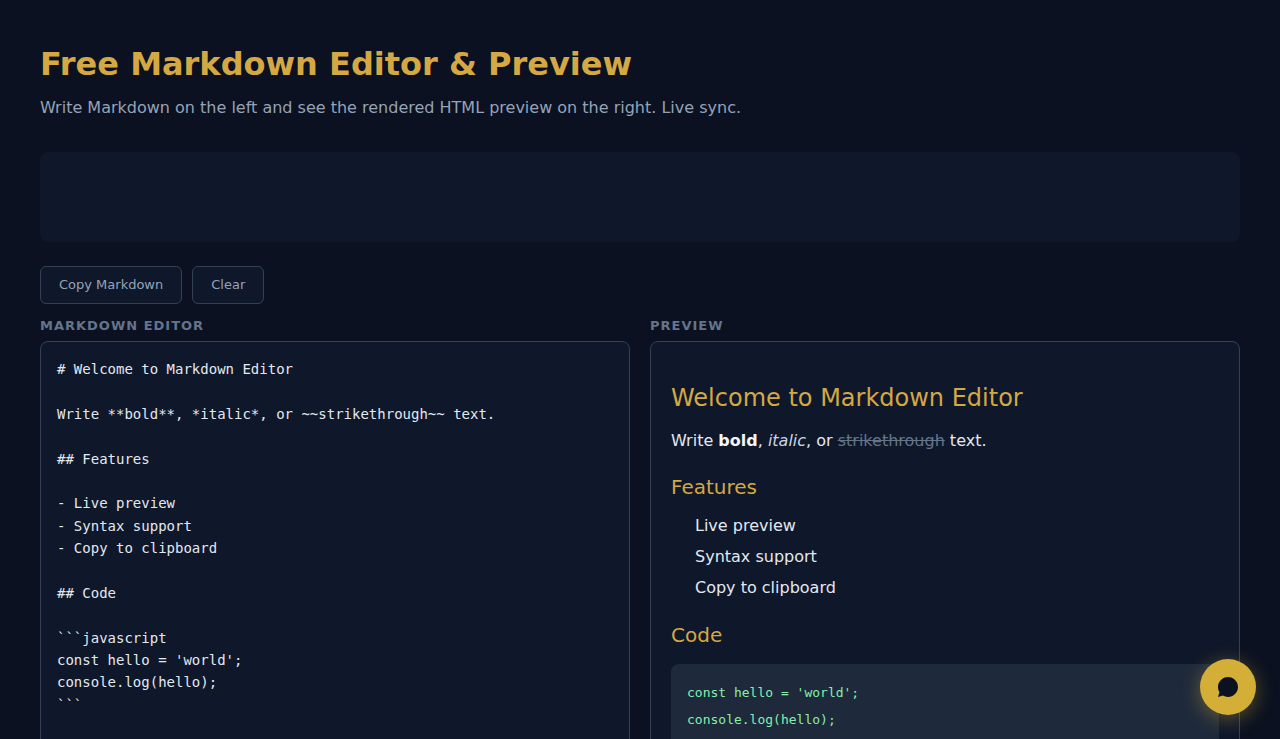
Escribe o pega Markdown en el editor y ve una vista previa HTML en directo a su lado. Admite títulos, negrita, cursiva, enlaces, imágenes, bloques de código, tablas, citas y listas. Copia el HTML generado o usa la vista previa para comprobar el formato.
Cuando Usarlo
- Archivos README: escribe y previsualiza la documentación README de GitHub con el formato correcto antes de confirmar.
- Borradores de blog: redacta entradas en Markdown y previsualiza cómo se verán al convertirse en HTML.
- Documentación técnica: escribe documentos con bloques de código, tablas y listas anidadas y verifica el resultado al instante.
Preguntas Frecuentes
¿Qué variante de Markdown se admite?
La herramienta admite la sintaxis CommonMark estándar más las extensiones de GitHub-Flavored Markdown, incluidas tablas, tachado y bloques de código delimitados.
¿Puedo exportar el HTML?
El HTML renderizado es visible en el panel de vista previa. Usa las herramientas de desarrollo del navegador o copia el código fuente para extraer la salida HTML.
¿Admite resaltado de sintaxis en los bloques de código?
Los bloques de código se muestran con fuente monoespaciada y estilo de fondo. El resaltado de sintaxis específico de cada lenguaje depende del analizador de Markdown utilizado.
Todo el renderizado ocurre en tu navegador. Ningun contenido se envia.
SCALA Score — Analisis financiero gratuito para 30M+ empresas
Estas herramientas son gratis para siempre. SARA va más allá.
SARA es tu agente AI en WhatsApp: responde a clientes, gestiona reservas y hace seguimiento — 24/7, automáticamente. Pruébala gratis 14 días.
Empieza tu prueba gratis de 14 días →