Free Markdown Editor & Preview
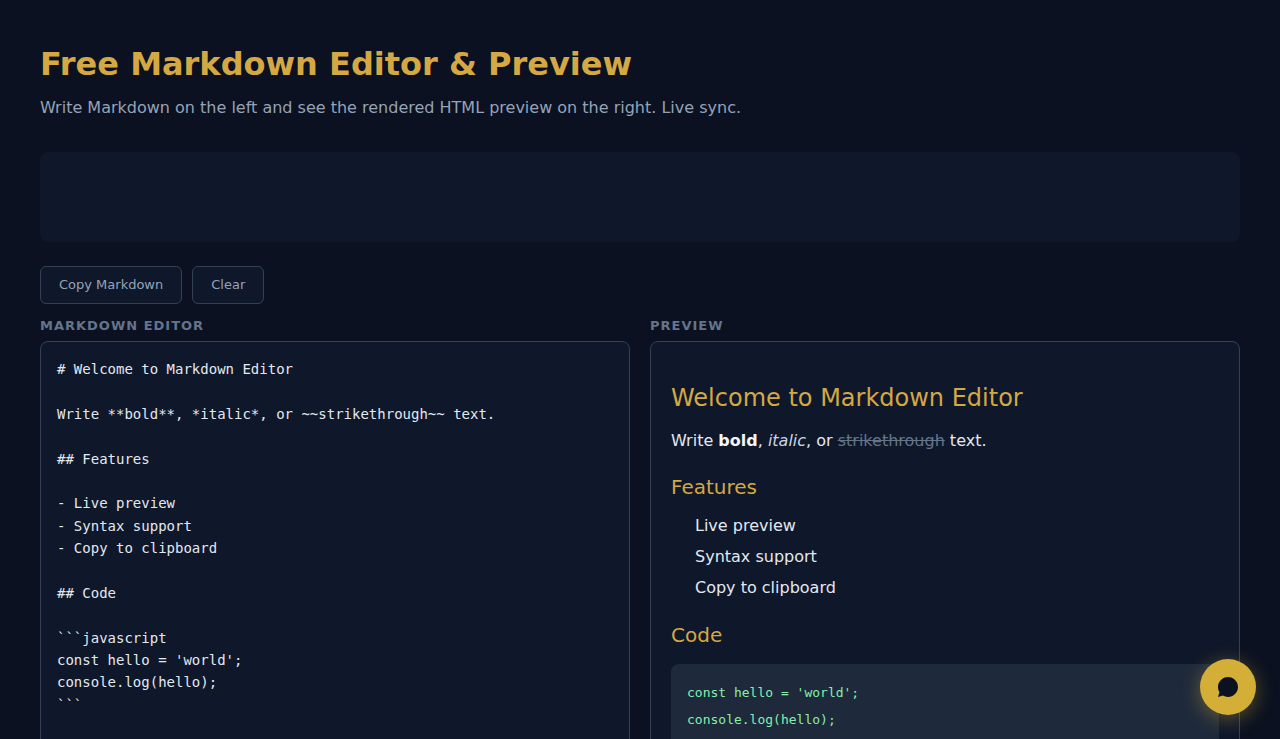
Write Markdown on the left and see the rendered HTML preview on the right. Live sync.
Markdown Editor
Preview
How It Works
Type or paste Markdown in the editor and see a live HTML preview side by side. Supports headings, bold, italic, links, images, code blocks, tables, blockquotes, and lists. Copy the rendered HTML or use the preview to check formatting.
When to Use It
- README files — write and preview GitHub README documentation with proper formatting before committing.
- Blog drafts — compose blog posts in Markdown and preview how they will look when rendered as HTML.
- Technical documentation — write docs with code blocks, tables, and nested lists and verify the output instantly.
Frequently Asked Questions
Which Markdown flavor is supported?
The tool supports standard CommonMark syntax plus GitHub-Flavored Markdown extensions including tables, strikethrough, and fenced code blocks.
Can I export the HTML?
The rendered HTML is visible in the preview pane. Use your browser's developer tools or copy the source to extract the HTML output.
Does it support syntax highlighting in code blocks?
Code blocks are rendered with monospace font and background styling. Language-specific syntax highlighting depends on the Markdown parser used.
All rendering happens in your browser. No content is sent to any server.
SCALA Score — Free company financial health check for 30M+ businesses
These tools are free forever. SARA takes it further.
SARA is your AI agent on WhatsApp: answers customers, takes bookings, follows up — 24/7, automatically. Try it free for 14 days.
Start your free 14-day trial →