JavaScript Minifier
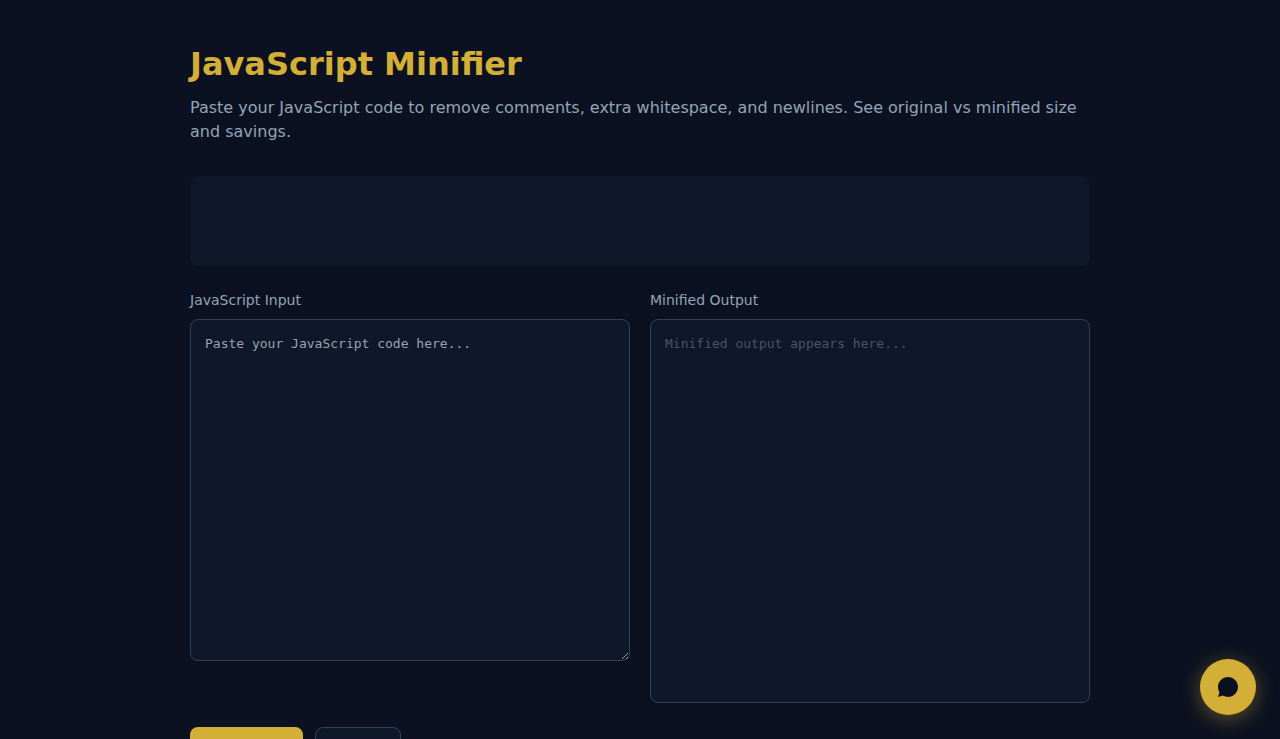
Paste your JavaScript code to remove comments, extra whitespace, and newlines. See original vs minified size and savings.
Note: This is basic minification (comments, whitespace, newlines). For production use, consider tools like Terser or esbuild.
Automate your business with SARA, your AI agent on WhatsApp
How It Works
Paste your JavaScript code and click Minify. The tool strips multi-line and single-line comments (respecting strings), removes extra whitespace and blank lines, and collapses the output. You see original size, minified size, and percentage savings at a glance. The entire process runs in your browser — your source code is never transmitted to any server.
When to Use It
- Quickly reducing file size of JavaScript snippets before embedding them in HTML pages or emails.
- Stripping comments from code before sharing it publicly to remove internal notes and documentation.
- Estimating potential savings before setting up a full build pipeline with Terser or esbuild.
Frequently Asked Questions
Is this production-grade minification?
This tool performs basic minification (comment removal, whitespace collapse). For production, use dedicated tools like Terser, esbuild, or SWC which also handle variable renaming, dead code elimination, and tree shaking.
Will it break my code?
The minifier only removes comments and whitespace — it does not alter your code logic, rename variables, or restructure statements. Your code will function identically after minification.
Does it handle TypeScript or JSX?
Since it only strips comments and whitespace, it works with any text-based code including TypeScript and JSX. However, it does not perform type-specific or syntax-aware transformations.
All minification happens in your browser. No code is sent to any server.
These tools are free forever. SARA takes it further.
SARA is your AI agent on WhatsApp: answers customers, takes bookings, follows up — 24/7, automatically. Try it free for 14 days.
Start your free 14-day trial →