Free Image Resizer
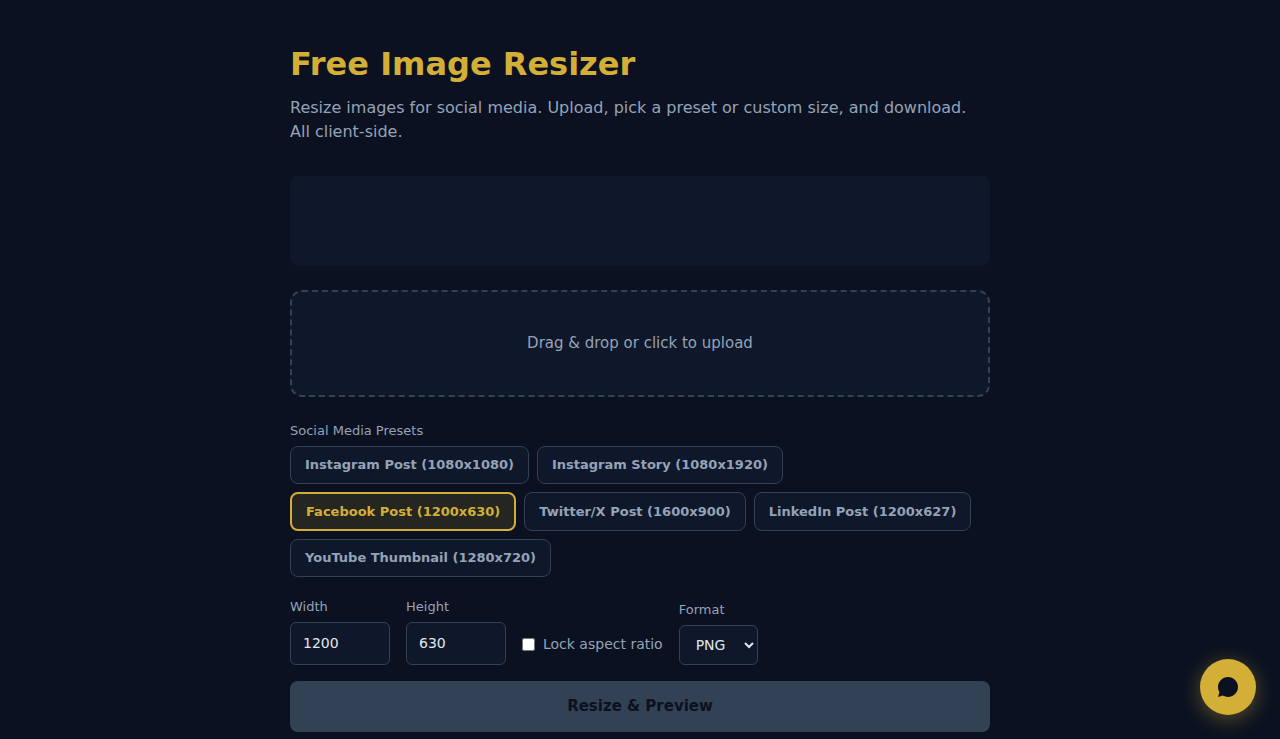
Resize images for social media. Upload, pick a preset or custom size, and download. All client-side.
Drag & drop or click to upload
How It Works
Upload an image, set target dimensions or a percentage scale, and choose whether to maintain aspect ratio. The tool resizes using the browser Canvas API and lets you download the result. No server upload required.
When to Use It
- Social media images — resize photos to exact dimensions required by Instagram (1080x1080), Facebook (1200x630), or LinkedIn (1200x627).
- Website thumbnails — create consistently sized thumbnails from images of varying original dimensions.
- Print preparation — resize images to specific pixel dimensions required by print services.
Frequently Asked Questions
Will resizing reduce quality?
Upscaling (making larger) always reduces quality. Downscaling preserves quality well. For best results, start with the highest resolution source image.
Does it maintain aspect ratio?
Yes, by default. You can toggle aspect ratio lock off to set custom width and height independently, but this may stretch or squash the image.
What output format is used?
The resized image is downloaded as PNG by default, preserving transparency. This works well for web graphics and screenshots.
All processing happens locally in your browser. No images are uploaded to any server.
These tools are free forever. SARA takes it further.
SARA is your AI agent on WhatsApp: answers customers, takes bookings, follows up — 24/7, automatically. Try it free for 14 days.
Start your free 14-day trial →