💰 Quick Win
Process Analyzer
Process Documentation Best Practices for Remote Teams
⏱️ 5 min read
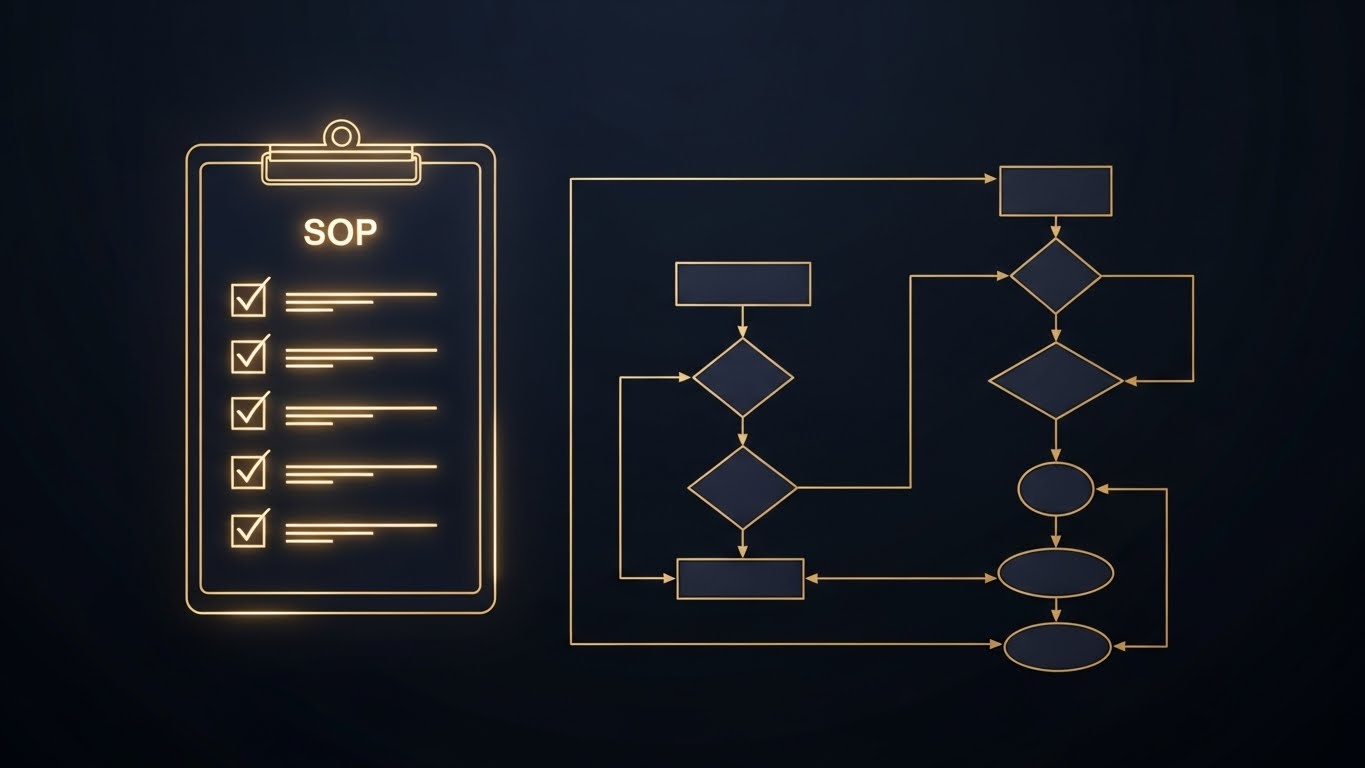
In 2026, remote work is the norm, but it’s only as effective as the systems underpinning it. A staggering 70% of SMBs report that inadequate process documentation is a major obstacle to scaling their remote teams, leading to inefficiencies and increased operational costs.
Why Robust Process Documentation is Crucial for Remote Teams
Remote teams thrive on clarity and accessibility. When team members are geographically dispersed, they can’t simply walk over to a colleague’s desk for clarification. Well-documented processes act as a central source of truth, ensuring everyone is on the same page, regardless of their location or time zone. This reduces errors, improves consistency, and accelerates onboarding for new hires. It also empowers team members to solve problems independently, freeing up management time for strategic initiatives. Furthermore, detailed documentation facilitates compliance and risk management, particularly important in regulated industries.
The Hidden Costs of Poor Documentation
Insufficient documentation has significant, often underestimated, consequences. Studies show that employees spend an average of 20% of their time searching for information, directly impacting productivity. Misunderstandings arising from poorly documented processes lead to errors, rework, and ultimately, financial losses. Furthermore, the absence of clear processes can create bottlenecks and dependencies on specific individuals, making the organization vulnerable to disruptions when those individuals are unavailable. In fact, companies with poor documentation experience up to a 15% higher employee turnover rate, as team members become frustrated with the lack of clarity and support.
Best Practices for Creating Effective Documentation
Creating effective process documentation isn’t about writing lengthy manuals no one reads. It’s about creating concise, accessible, and easily updatable resources that empower your team.
- Identify Key Processes: Start by identifying the most critical processes within your organization. Focus on those that are frequently performed, involve multiple stakeholders, or have a high risk of error.
- Choose the Right Format: Select a format that best suits the process and your team’s preferences. Options include written procedures, flowcharts, video tutorials, and interactive guides. Consider using a knowledge base platform for easy access and organization.
- Keep it Simple and Concise: Use clear, simple language and avoid jargon. Break down complex processes into smaller, manageable steps. Use visuals, such as screenshots and diagrams, to enhance understanding.
- Make it Accessible: Store your documentation in a central, easily accessible location, such as a shared drive, intranet, or cloud-based knowledge base. Ensure that all team members have the necessary permissions to access and edit the documentation.
- Regularly Review and Update: Processes change over time, so it’s essential to regularly review and update your documentation. Assign responsibility for maintaining the documentation and establish a schedule for periodic reviews.
Leveraging AI and Automation for Process Documentation
AI and automation are revolutionizing the way businesses approach process documentation. AI-powered tools can automatically generate documentation from existing workflows, analyze process data to identify bottlenecks and areas for improvement, and even create interactive training materials. For example, S. C. A. L. A. AI OS leverages AI to automatically capture process steps during execution, turning them into easily understandable documentation with minimal human intervention. This not only saves time and effort but also ensures that documentation is always up-to-date and accurate. Furthermore, AI-powered chatbots can provide instant answers to employee questions, further reducing the need for manual intervention and improving overall efficiency.
Maintaining Documentation Quality and Relevance
Documentation isn’t a one-time project; it’s an ongoing effort. Maintaining its quality and relevance is just as crucial as creating it in the first place.
Establishing a Feedback Loop
Encourage team members to provide feedback on the documentation. Create a system for collecting feedback, such as a dedicated email address or a feedback form within your knowledge base. Use this feedback to identify areas for improvement and ensure that the documentation remains accurate and relevant.
Version Control and Updates
Implement a version control system to track changes to the documentation. This ensures that team members are always using the latest version and that previous versions are available for reference. Establish a clear process for updating the documentation, including who is responsible for making changes and how those changes are communicated to the team. 85% of high-performing remote teams utilize version control systems to manage their documentation effectively.
FAQ: Process Documentation for Remote Teams
Why is process documentation even more important for remote teams?
Remote teams lack the spontaneous communication of in-office environments, making clear, readily available documentation essential for consistency, efficiency, and independent problem-solving.
How often should we review and update our process documentation?
At a minimum, review and update your documentation quarterly. More frequent reviews may be necessary for processes that are subject to frequent change.
What are some common mistakes to avoid when creating process documentation?
Avoid using jargon, making assumptions about prior knowledge, and failing to keep the documentation up-to-date. Focus on clarity, simplicity, and accessibility.
Effective process documentation is the backbone of a successful remote team, ensuring clarity, consistency, and efficiency. By implementing these best practices, you can empower your team to work independently, solve problems effectively, and contribute to the overall success of your organization. S. C. A. L. A. AI OS provides the tools and AI-powered automation you need to streamline your process documentation efforts and unlock the full potential of your remote workforce. Start your free trial today at app.get-scala.com/register and experience the difference.
Prova S.C.A.L.A. AI OS gratis per 30 giorni
Inizia Gratis →